
Watch History
A responsive grid component for displaying video thumbnails with hover animations, loading states, and fallback handling
Zezo Watch History Component
Your Watch History
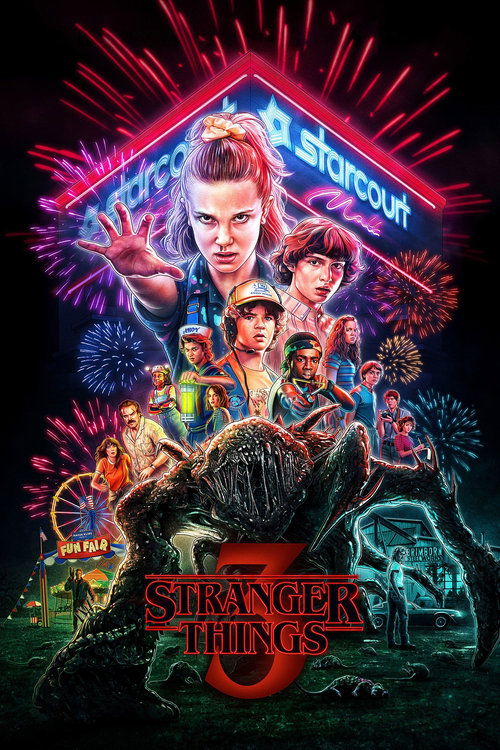
Breaking Bad

The Office
Stranger Things

Squid Game
📦 Installation
💡 Usage Example
import WatchHistory, { WatchThumbnailItem } from "@/components/zezo/users/WatchHistory/WatchHistory";

const items: WatchThumbnailItem[] = [
  {
    id: "breaking-bad",
    thumbnail: "https://image.tmdb.org/t/p/w500/example.jpg",
    title: "Breaking Bad",
    onClick: () => {
      console.log("Clicked: Breaking Bad");
      // Navigate to content
    }
  }
];

<WatchHistory
  items={items}
  sectionTitle="Your Watch History"
  showPlayIcon={true}
  showTitleBelow={true}
  fallbackImage="/placeholder.jpg"
/>
📘 Props
| Prop | Type | Required | Description |
|---|---|---|---|
| items | WatchThumbnailItem[] | Yes | Array of thumbnail items to display in the grid |
| sectionTitle | string | Optional | Title displayed above the grid (default: "Watch History") |
| className | string | Optional | Additional CSS classes for the container |
| showPlayIcon | boolean | Optional | Show play icon overlay on thumbnails (default: true) |
| showTitleBelow | boolean | Optional | Show video title below each thumbnail (default: false) |
| fallbackImage | string | Optional | Fallback image URL if thumbnail fails to load (default: "/placeholder.jpg") |
🧩 WatchThumbnailItem Interface
export interface WatchThumbnailItem {
  id: string;              // Required: Unique identifier for the item
  thumbnail: string;      // Required: Thumbnail image URL
  title?: string;         // Optional: Video title (shown if showTitleBelow is true)
  onClick?: () => void;   // Optional: Click handler for the thumbnail
}
✨ Features
📱 Responsive Grid
Adaptive grid layout (2-6 columns based on screen size)
🎬 Hover Animation
Smooth scale and shadow effects on hover (framer-motion)
⏳ Loading State
Skeleton loading animation while images load
🖼️ Fallback Image
Graceful error handling with custom fallback images
▶️ Play Icon
Optional play icon overlay on thumbnails
📝 Title Display
Optional title display below thumbnails
🌓 Dark Mode
Automatic theme support
📭 Empty State
Shows message when no items are available
🖱️ Click Handler
Optional onClick callback for each thumbnail
⚡ Lazy Loading
Images loaded lazily for better performance